Claude Design for product managers: from idea to working prototype in days
Product managers used to wait weeks or months to see a working prototype. Here is how I use Claude Design to build one myself, and why I think it will become part of every PM's daily work.

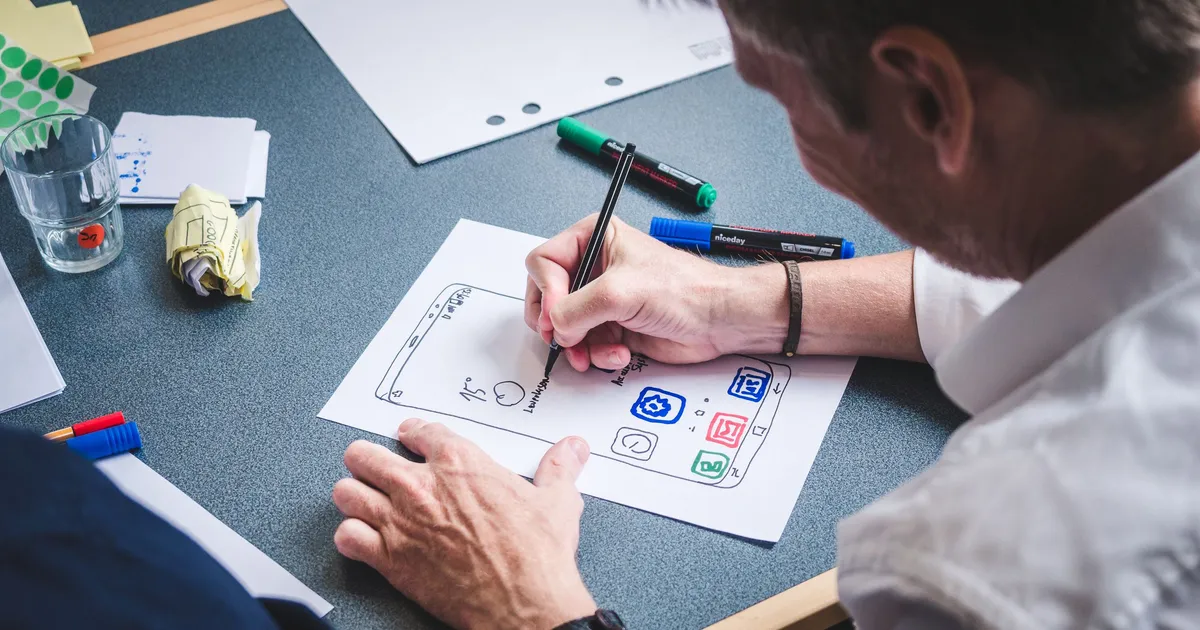
For most of my career, seeing an idea as a working prototype took a long time.
The usual path looked like this. As a product manager, I wrote a ticket for the UX team. The designers picked it up when they had time and created the screens. If I was lucky, they also had time to build a clickable prototype. Sometimes we even had to wait for development before anyone could really try the idea.
From the first idea to a prototype people could use, it took weeks. Sometimes months.
AI has changed this very fast. And for me, the biggest change came in April 2026, when Anthropic launched Claude Design.
What is Claude Design?
Claude Design is a tool from Anthropic for creating designs and prototypes by talking to Claude. You describe what you want in plain words, and it builds screens you can click. You can then improve them step by step: ask for changes in the chat, leave comments on the design or edit the text directly.
It can also learn your product's look. It builds a design system from your codebase or design files and uses it in every new project. A design system is simply the set of rules that makes a product look like itself: colors, fonts, buttons and layouts.
My first try: a mobile app
I first used Claude Design for a mobile app I was building on the side. It was very useful from day one, but I have to be honest: it was not easy at the start.
To get a really good result, you need a design system, and you need to use it properly. The models were not as strong then as they are today, so the design system did a lot of the work. Without it, the screens looked fine but generic. With it, they started to look like a real product.
That project taught me how the tool thinks. And it made me ask a bigger question: how can I use this in my daily work as a product manager?
Bringing it into my daily PM work
At finbyte, I have been working on an AI tool that we built to strengthen our internal team's capabilities. It felt like the right place to try Claude Design for real.
This time I did not start from an empty page. I connected our codebase, so Claude Design used the real product as the starting point for the design. Then I simply typed new ideas, in plain words. For example:
- "Add a screen where users can see their recent activity."
- "Make this list easier to scan."
- "Show these numbers on the dashboard."
Each idea created a change in the design. One change at a time, the prototype grew. Over a few weeks, these small steps added up to really good designs and prototypes that actually worked.
When the prototype changes the plan
Because the prototype came together so quickly, people could click through the idea much earlier than usual. That changed the conversation. We stopped asking only "how should this work for our team?" and started asking "could other companies use this too?"
In the end, the project changed direction. What started as an internal tool is now becoming a SaaS product for other companies. A prototype did not make that decision alone, of course. But it made the idea easy to see, and that made the discussion much faster.
The learning curve is real, but short
Claude Design is not something you master in one afternoon. At first, you need to get used to how it is organized: projects, tabs, the design system and how they work together.
My advice is to keep going. After a few projects, it starts to feel natural, and you can use it every day to build prototypes that really work.
Sharing with your team
A prototype is only useful if other people can try it. With Claude Design, you can share your project with your team, so they can open it, click through it and give feedback on the real thing instead of a document.
This changed how my team talks about new ideas. Everyone looks at the same screens, so everyone talks about the same product.
Tips for product managers who want to start
- Start from something real. Connect your codebase or your design system. Generic designs lead to generic feedback.
- Describe ideas in plain words. You don't need design skills. Write what the user needs to do, and let the tool suggest the screens.
- Make small changes. One idea per step is easier to review than ten changes at once.
- Share early. Send the prototype to your team before it feels finished. Early feedback saves the most time.
- Remember what it is. A prototype shows the idea. It does not replace user research, engineering decisions or final design work.
Learn more
If you want to try it yourself, these official pages are a good place to start:
- Claude Design product page
- Introducing Claude Design by Anthropic Labs, the launch announcement
- Using Claude Design for prototypes and UX, a free tutorial from Claude Academy
- Get started with Claude Design, from the Claude Help Center
What's next: Claude Design inside Claude Code
Claude Design can now also be used from inside Claude Code. This opens up a new way of working, where design and code stay connected from the first idea to the final product. It deserves its own post, so I will write about it next.
Final thoughts
Thanks for reading. Building a prototype myself was a real joy, and I enjoyed every step of learning this tool.
If you are a product manager, try Claude Design in your daily work. I believe it will become a normal part of product management in the future. The sooner you start, the more natural it will feel.
Cover photo by Fabian Wiktor on Pexels.